Instructions of AI Profile Picture
To create your AI avatar:
Please tap your profile picture in [Me] page
-Retap your profile picture
-Select AI Avatar >
-Generate your AI avatar as below:
Method 1:
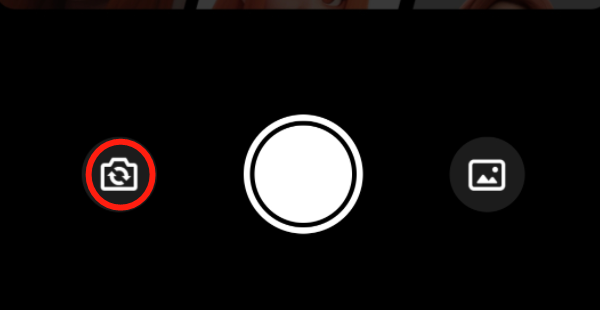
1. Switch to the front/back camera
2. Click on the central camera icon
3. Keep your face postion within the frame for a
few minutes
4. Pick one as your AI avatar from the options given.
Method 2:
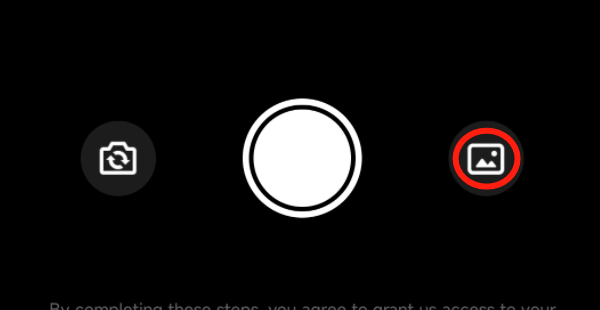
1. Click on the photo gallery icon
2. Select and submit a photo from your photo
gallery
3. Wait for a few minutes
4. Pick one as your AI avatar from the options
given.
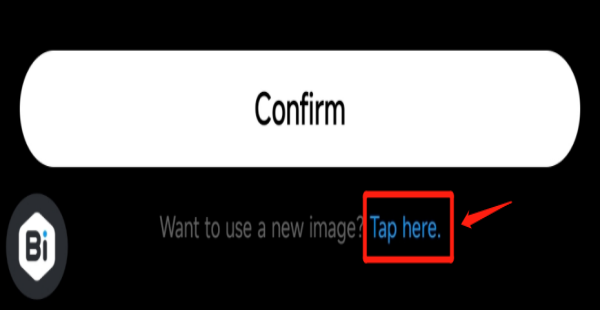
If you want to use a new image, you could click
on the "Tap here" icon at the bottom.
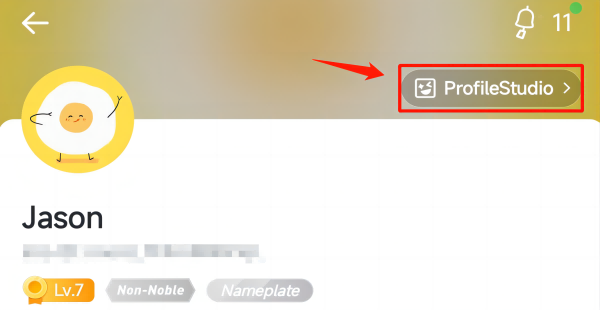
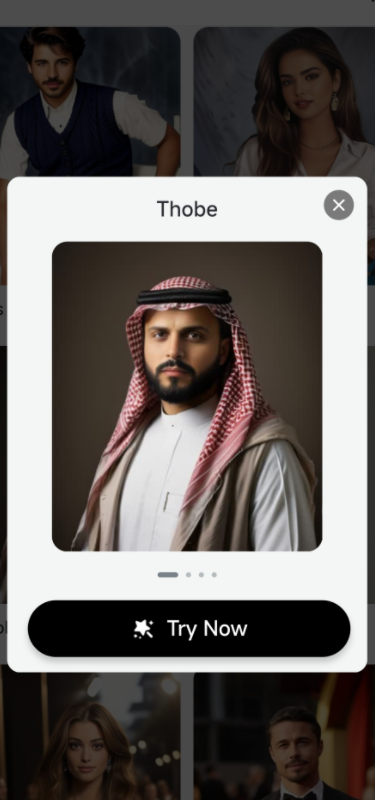
To discover more fashional styles,
you could visit [Me] page - ProfileStudio.
Tap and try now!
Note:
AI avatar is not available on Android system in Bangladesh.