Об iBubble
March 23, 2022 Imoteam
How to use iBubble
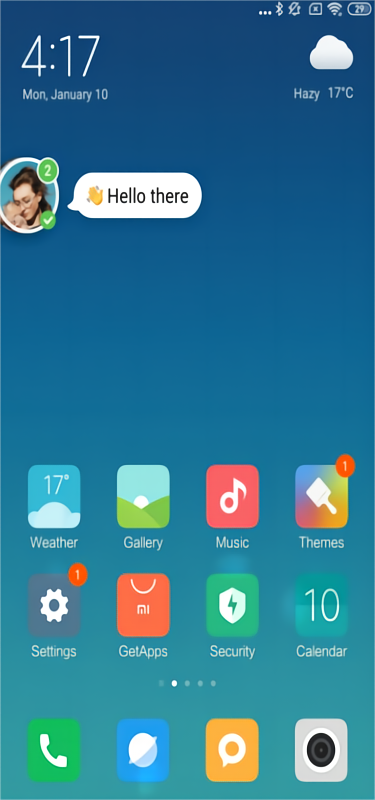
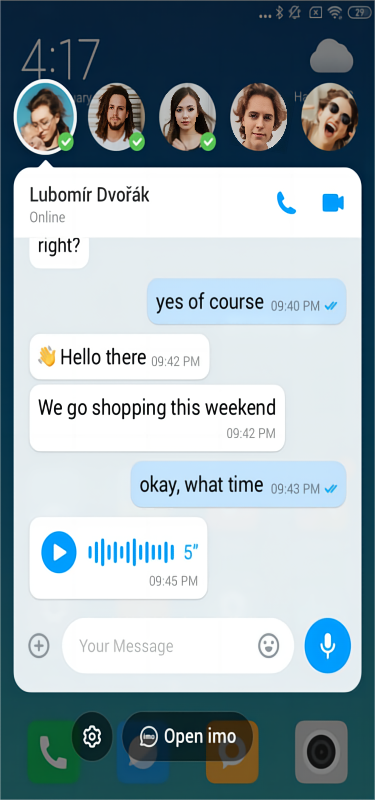
#1. iBubble let you read and reply
to messages easier.
Your message will float on your screen, and
you could reply to your friends directly.
#2. How to set up your iBubble?
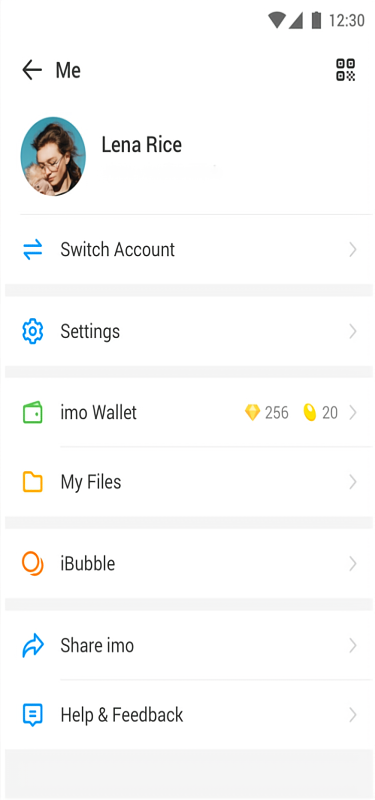
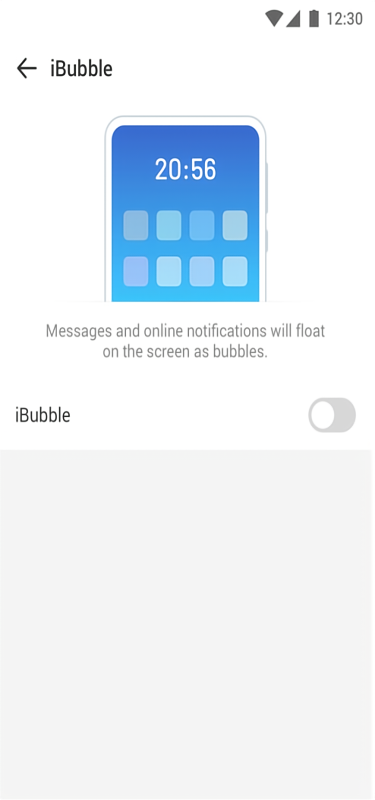
1. First step: enable your iBubble
Me page > iBubble entry > iBubble page
Your iBubble is in use when you turn on the
iBubble feature.
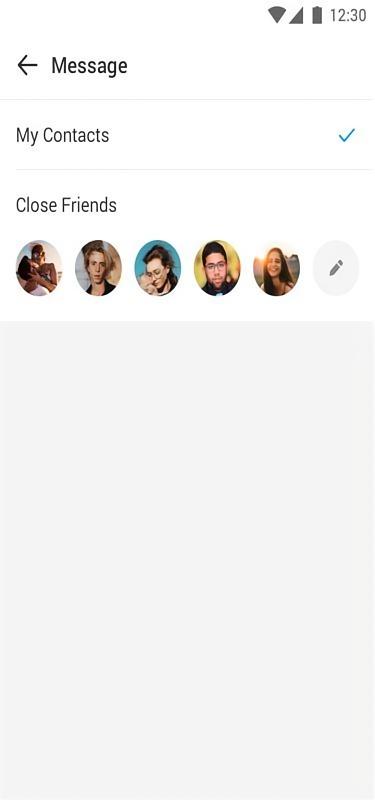
2. Second step: whose message will appear as
bubble?
You could choose whose message will appear as
bubble.
All your contacts?
or
Your selected close friends?
#3. Online notification for your close
friends
You could turn on online notification for your
close friends.

Online notification is in use for your close
friends when you select "Close Friends" option.