डार्क मोड कसरी अन गर्ने
December 25, 2025 Imoteam
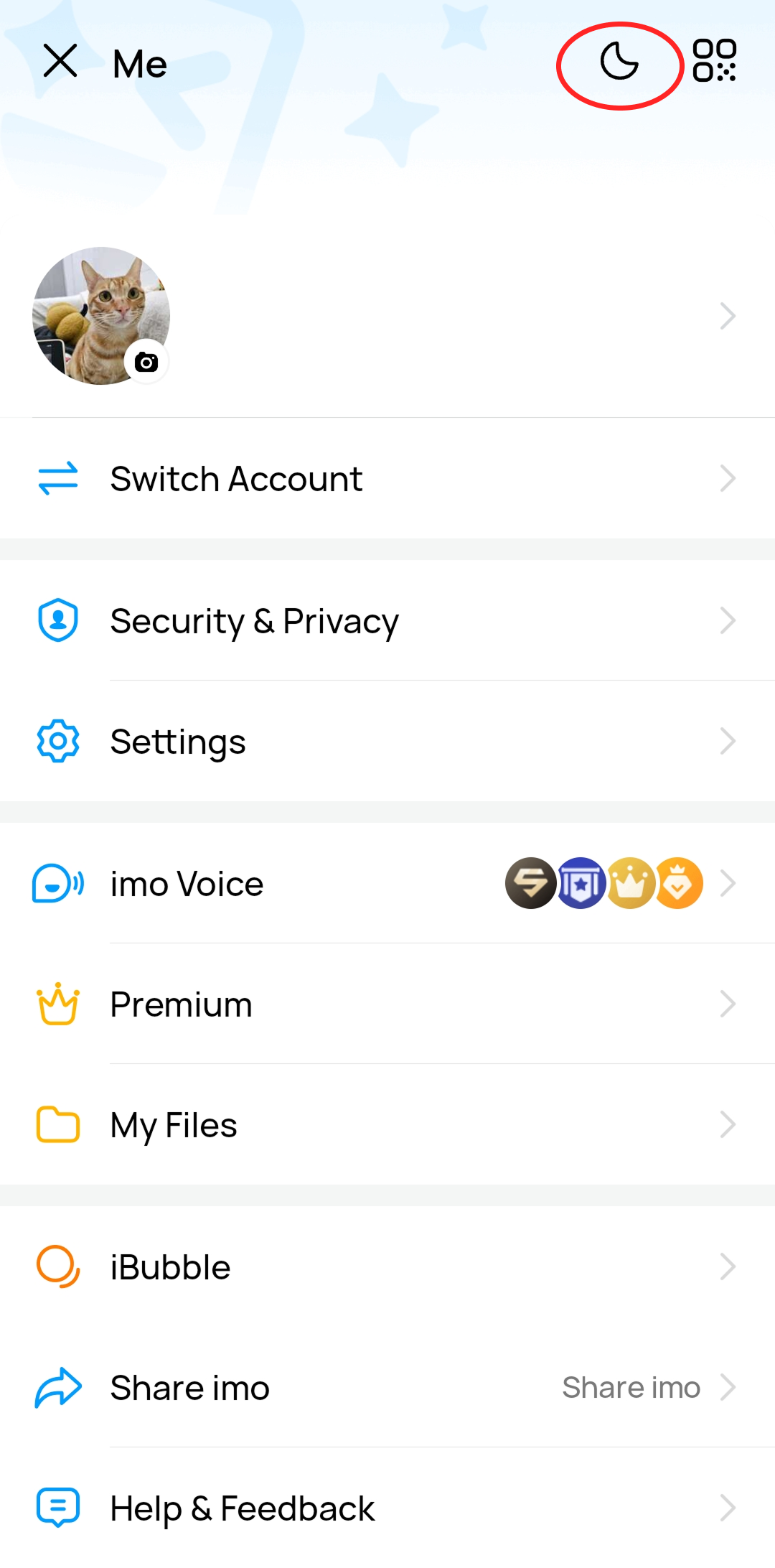
On the homepage, tap your avatar to enter the "Me" page, then tap the moon icon at the top to turn on Dark Mode. Tap the sun icon to switch back to Light Mode.
On the homepage, tap your avatar to enter the "Me" page, then tap the moon icon at the top to turn on Dark Mode. Tap the sun icon to switch back to Light Mode.