How to view the devices associated with imo?
November 09, 2023 Imoteam
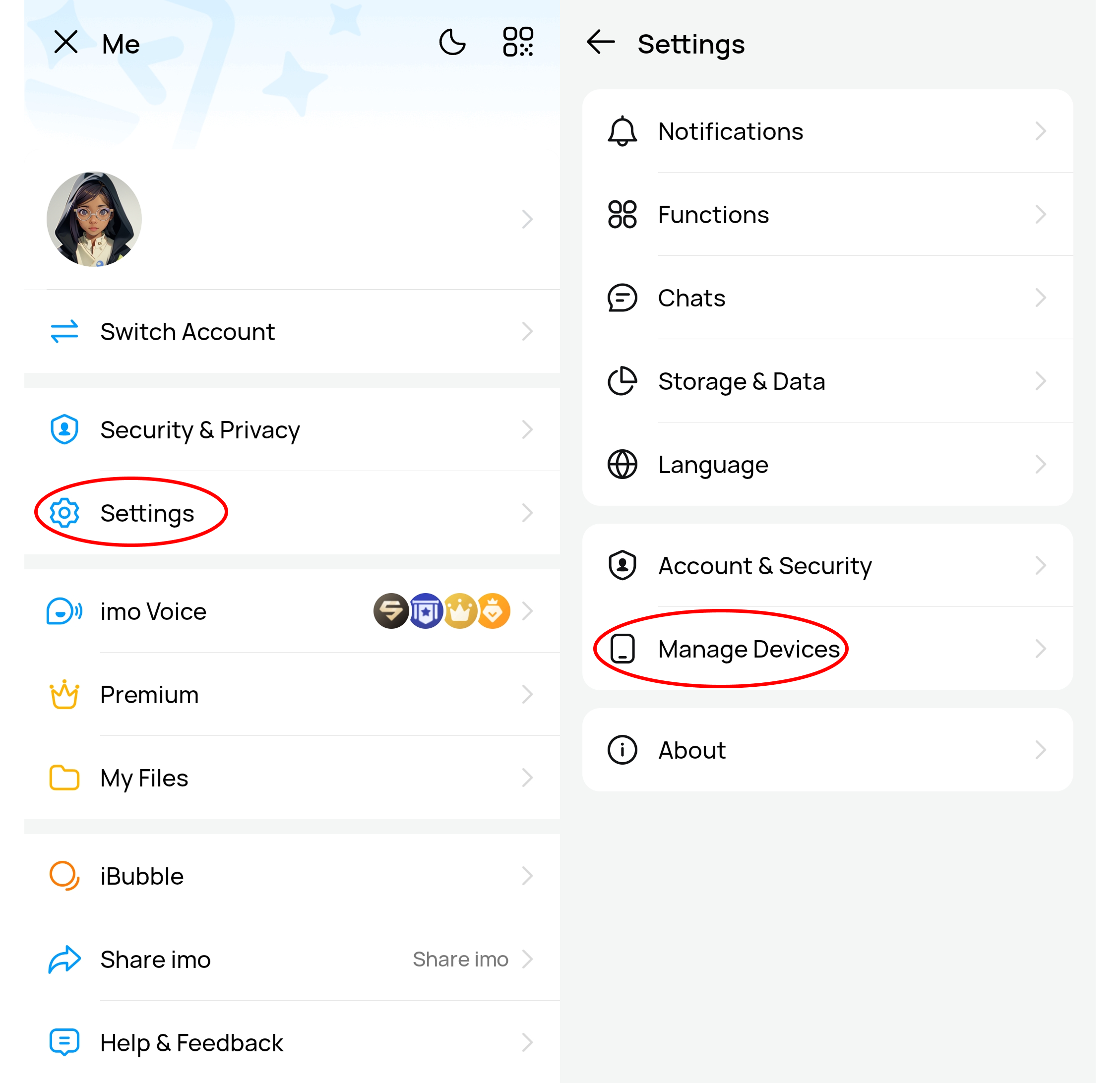
If you want to view the devices associated with imo, first open the imo application, then click on the "Settings" icon.
In the settings menu, select the "Manage Devices" option.
This will display a list of all the devices that are associated, including phones, tablets, or other devices.