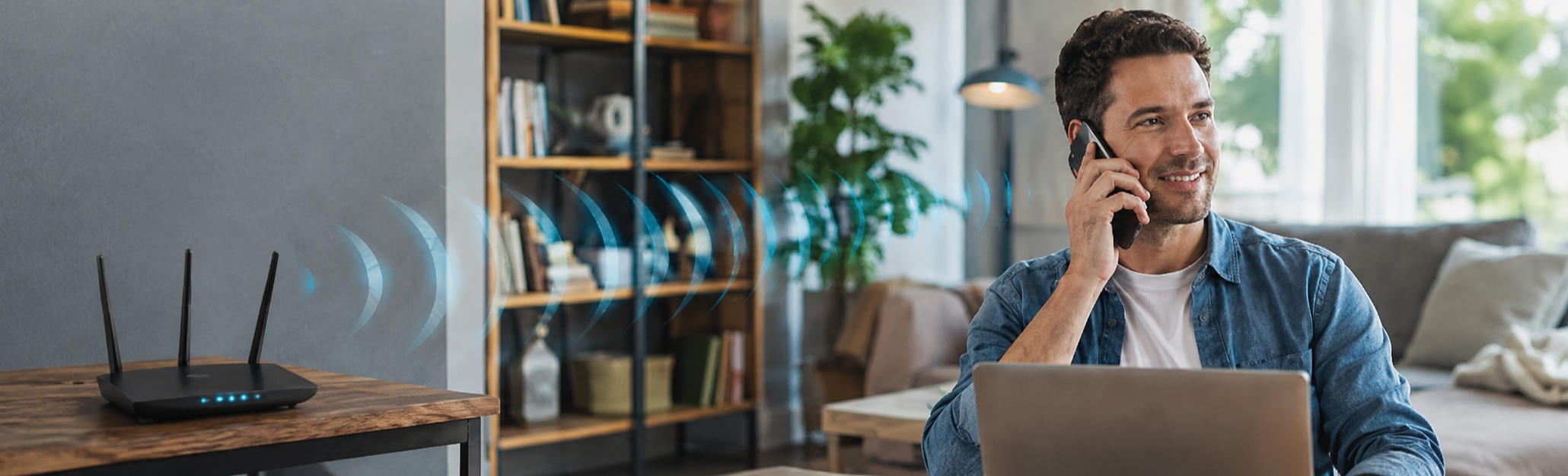
Wi-Fi Calling is often grouped together with app-based calls on WhatsApp, imo, or Messenger because all of them can use Wi-Fi. But Wi-Fi Calling is a carrier feature, not just another way to make calls over the internet.
This article explains what Wi-Fi Calling is, how it works, whether it is free, and when an app-based voice or video call may be the better choice.
What Is Wi-Fi Calling?
Wi-Fi Calling is a mobile carrier feature that lets your phone make and receive regular calls over Wi-Fi when the cellular signal is weak. You still use your normal phone number, and the other person doesn’t need a special app.
It helps in places where mobile signal often struggles, such as a basement, a thick-walled apartment, a rural home, a hotel room, or the back corner of an office. Your phone may show one bar of signal, but the Wi-Fi works fine. With Wi-Fi Calling turned on, your phone can use that Wi-Fi connection to reach your carrier’s network.
For you, the call feels almost the same. You open the phone dialer, enter a number, and tap the call button. If someone calls your phone number, you can answer as usual.
How Does Wi-Fi Calling Work?
A normal mobile call usually goes through a nearby cell tower. If the signal is weak, the call may break, sound choppy, or fail before it connects.
Wi-Fi Calling changes the first part of that route. Your phone connects to Wi-Fi first, then reaches your mobile carrier through the internet. After that, the carrier handles the call like part of your regular phone service.
Normal call: Phone → cell tower → carrier network → other person
Wi-Fi Calling: Phone → Wi-Fi → internet → carrier network → other person
Some carriers can route calls through Wi-Fi when the cellular signal is weak, and may switch back to the mobile network if Wi-Fi becomes unstable. The exact behavior depends on your phone, carrier, and plan.
Is Wi-Fi Calling Free?
Not always. Wi-Fi only changes how the call connects; your carrier still decides how it’s billed. The call is still part of your mobile phone service.
Domestic calls
If your phone plan includes unlimited local or domestic calls, Wi-Fi Calling to domestic numbers is usually treated the same way.
International calls
If you use Wi-Fi Calling to dial an international number, your carrier may still bill it as an international call. The Wi-Fi connection only changes how your phone reaches the network; it doesn’t automatically change your calling plan. If your goal is free international calling, Wi-Fi Calling may not be enough.
Wi-Fi Calling abroad
Wi-Fi Calling can help when you travel and have poor mobile signal, but it doesn’t automatically make international calls free. Calls may still follow your carrier’s roaming and international calling rules.
How to Enable Wi-Fi Calling on iPhone and Android
Wi-Fi Calling only appears when your phone, SIM, and carrier all support it.
How to enable Wi-Fi Calling on iPhone
On iPhone, go to Settings → Cellular → Wi-Fi Calling, then turn on Wi-Fi Calling on This iPhone.
If you use dual SIM or eSIM, choose the line you want to use first. You may also need to confirm an emergency address before Wi-Fi Calling turns on. If you cannot find the option, update iOS, restart your phone, and check whether your carrier supports Wi-Fi Calling on your plan.
How to enable Wi-Fi Calling on Android
On Android, the steps depend on your phone brand and carrier. Try one of these paths:
Settings → Network & internet → SIMs → Wi-Fi Calling
Settings → Connections → Wi-Fi Calling
Phone app → Settings → Calling accounts → Wi-Fi Calling
Samsung, Pixel, Xiaomi, OPPO, vivo, and other Android phones may place this setting in different menus. The fastest method is often to open Settings and search for “Wi-Fi Calling.”
Wi-Fi Calling vs Internet Calling Apps
Wi-Fi Calling and internet calling apps both use the internet, but they are not the same type of call.
With Wi-Fi Calling, you still make a regular carrier call. You dial a phone number, the call stays tied to your SIM or eSIM, and your carrier handles the connection. Wi-Fi only helps your phone reach the carrier when cellular signal is weak.
Internet calling apps work outside that carrier call path. When you call someone on a messaging app like imo, the voice or video call happens inside the app over Wi-Fi or mobile data. Both people usually need to use the same app, but the call can work even if your carrier doesn’t support Wi-Fi Calling.
This difference matters most when you are calling someone in another country. Wi-Fi Calling may still follow your carrier’s international calling rates. App-to-app voice and video calls are often easier for family or friends who already use the same service.
The call experience is different too. Wi-Fi Calling is mainly for regular voice calls through your phone number. In a messaging app, messages, voice calls, video calls, photos, and voice notes can stay in one chat instead of being split across different services.
Use Wi-Fi Calling when you need your normal phone number. Use an app like imo when you want to make unlimited voice or video calls over Wi-Fi or mobile data.
Wi-Fi Calling Not Working? 5 Common Reasons
Wi-Fi Calling can fail even when it’s turned on. Most problems come from the Wi-Fi network, carrier support, or phone settings.
Your Wi-Fi connection is weak
Your phone may show a Wi-Fi connection even when the network is unstable. If the router is far away, the network is crowded, or the broadband connection keeps dropping, Wi-Fi Calling may sound worse than a normal mobile call. Move closer to the router, or test another network if you are using public Wi-Fi.
Your carrier has not activated Wi-Fi Calling
Some carriers require Wi-Fi Calling to be enabled on the account level. If your phone has the setting but calls still fail, check your carrier account or contact support.
The setting is missing or turned off
After a system update, SIM change, eSIM setup, or carrier update, the setting may be turned off or moved. Search your phone settings for “Wi-Fi Calling” again. If you recently changed carriers, check the new carrier’s support page or plan details.
Your phone keeps choosing cellular signal
Some phones may keep trying to use weak cellular signal instead of Wi-Fi. As a quick test, turn on Airplane Mode, turn Wi-Fi back on, and try calling again. This can show whether Wi-Fi Calling works when cellular service is unavailable.
The network blocks Wi-Fi Calling
Office, school, hotel, airport, and public Wi-Fi networks sometimes block certain types of traffic. Your phone may browse the web normally, but Wi-Fi Calling may still fail. If Wi-Fi Calling works at home but not on a public or workplace network, the network is probably the issue.
Wi-Fi Calling FAQs
Does Wi-Fi Calling use mobile data?
If the call is actually going through Wi-Fi, it doesn’t use mobile data. If Wi-Fi drops and the phone switches back to cellular service, your carrier connection takes over. After that, the call follows your phone and carrier settings.
Does Wi-Fi Calling use minutes?
Usually, yes. Wi-Fi Calling is still part of your carrier phone service. If your plan has unlimited domestic calling, this may not matter. If your plan charges by minutes or destination, those rules may still apply.
Can I use Wi-Fi Calling without a SIM card?
Usually no. Wi-Fi Calling is tied to your carrier number, so it normally needs an active SIM or eSIM.
Can Wi-Fi Calling receive calls?
Yes, if your phone, carrier, and Wi-Fi network support it. When Wi-Fi Calling is active, calls to your normal number can come through Wi-Fi in weak signal areas.
Is Wi-Fi Calling good for international calls?
It can help you connect when signal is weak, but it may not reduce the cost. International calls can still be billed by your carrier. For regular app-to-app calls abroad, a messaging app like imo is often simpler.