How to Upload a High-Definition Video in Story(Android)
December 31, 2022 Imoteam
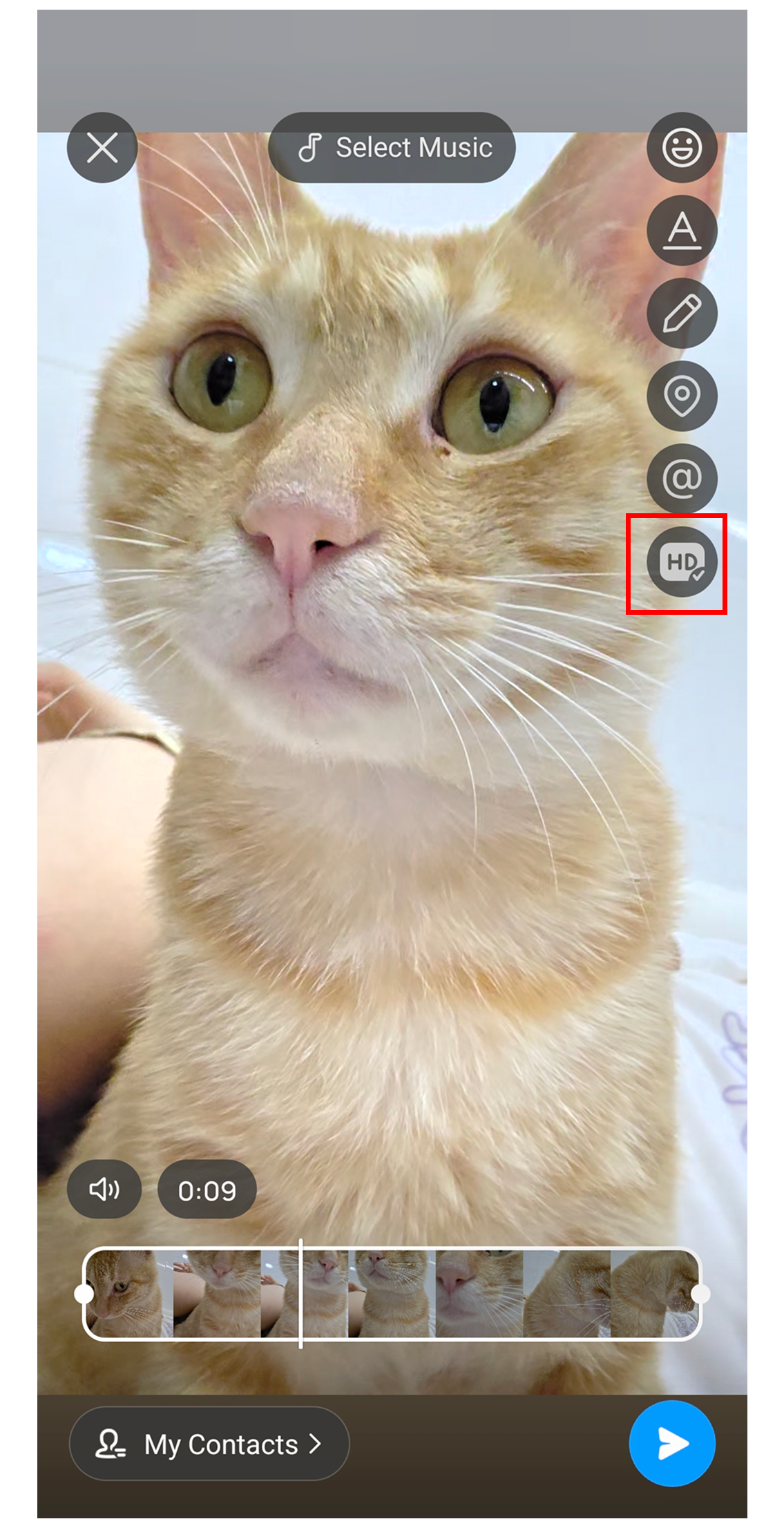
Select the Story video you want to post to enter the Story editing page. Tap HD in the right-side toolbar. When HD shows [√], the video will be posted in its original quality.
Tap HD in the right-side toolbar to check whether Original Quality Posting is turned on or off. The message will show “Original-quality Posting turned on” or “Original-quality Posting turned off.”