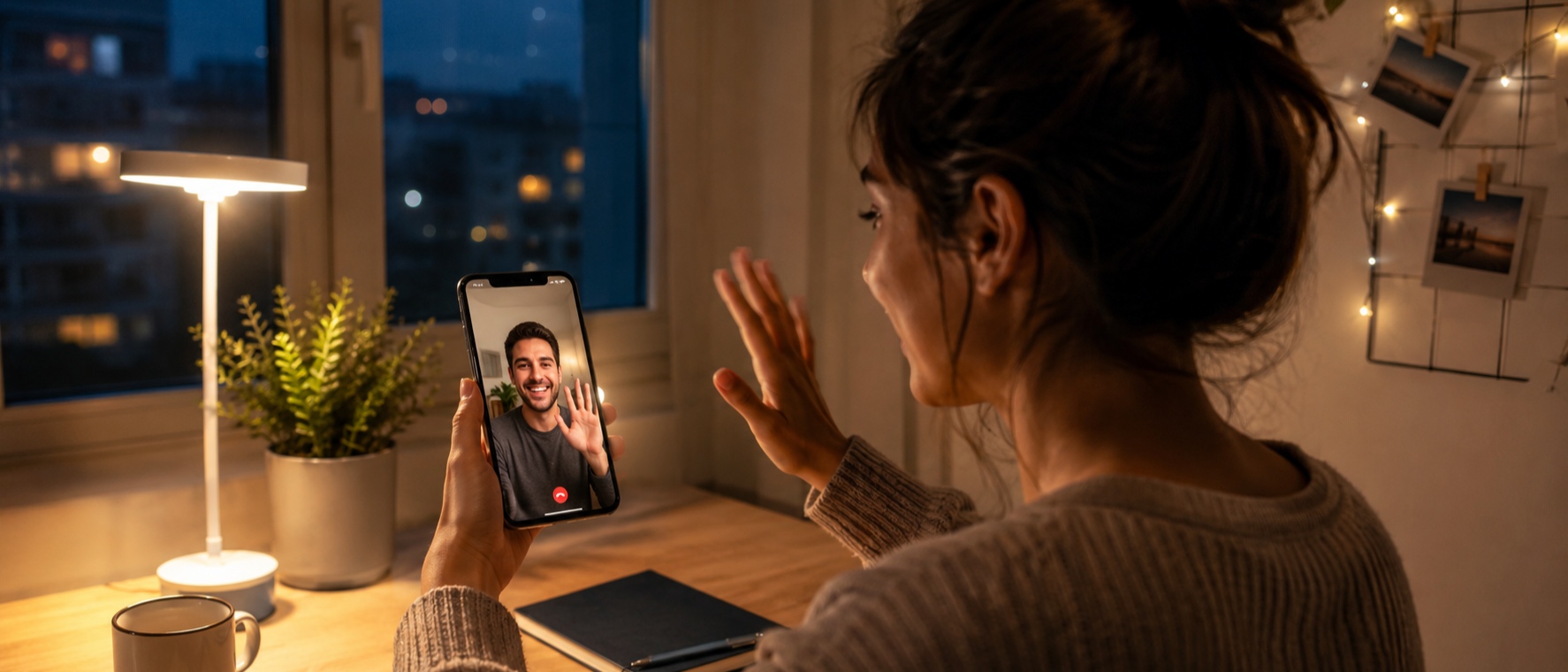
Why do video calls look fine during the day but worse at night? Once the room gets darker, faces lose detail more easily, video starts looking grainy, and movement blur becomes more noticeable.
Looking better during night video calls usually comes down to three things: where you put your light, what’s sitting behind you, and the app you are using. If you are looking for general daytime setup advice, you can also check out our previous post on How to Look Good on Video Calls for non-nighttime tips.
Fix Your Lighting and Balance the Background
To stop your screen from looking dark or blurry, you just need to change where your lamp sits.
Move the light in front of you: If you sit with a bright TV behind you, the camera lowers exposure and turns your face into a dark shadow. Placing a soft desk lamp directly behind your phone lights up your face and helps your face stay evenly lit on camera.
Ditch harsh white bulbs: Blasting a strong white light directly into your face creates oily skin glare, deep shadows under your eyes, and washed-out white spots on your forehead. A softer, warm-white lamp gives a much cleaner, natural skin tone during a night video call.
Balance the background: Overhead ceiling lights cast unflattering shadows straight down under your eyes and chin. A completely black background also forces your camera to boost its digital ISO, which fills your screen with grainy dots. Using an angled side lamp keeps the room evenly lit and removes the camera grain.
Sit against a plain background: In low light, your camera struggles to separate you from a messy room, which fills the entire screen with pixelated grain. Sitting in front of a plain wall or a neat background usually gives a cleaner image.

Clean Your Lens and Steady Your Device
Phone cameras lose detail more easily in low light, so dirt and movement become much more noticeable. Our fingers touch the phone lens all day. In low light, even a tiny smudge stretches the light and makes your video look incredibly foggy. Take two seconds to wipe your camera lens with your shirt before making a call.
Stop holding your phone: Phone cameras slow down their shutter speed at night to let more light in. If you walk around, lie in bed holding the phone above your face, or constantly move your hands, the image will look shaky and smeared. Lean your phone against a book or use a stable stand at eye level. This keeps the angle natural, reduces shadows under your nose, and keeps the image steadier during the call.
HD Video Calling Helps Preserve Clarity
Some apps reduce video quality when the network is weak. At night, this becomes more obvious because the image already has less detail. Faces can look overly soft, darker areas lose detail, and movement may look slightly blocky.
imo supports HD video calling, which can help nighttime calls look sharper and less compressed in low-light environments. It can also stay relatively smooth on weaker 2G and 3G connections, which helps when Wi-Fi or mobile data is unstable.
HD video cannot fully fix poor lighting. If the room is too dark, the image will still look dark. But with decent front lighting, higher video quality usually keeps skin texture and facial edges clearer during movement.
Lighting Enhancement Features Can Improve Low-Light Calls
imo includes a Light feature for low-light video calls. When turned on, parts of the phone screen brighten around the camera area to create a softer front light during the call. This can help faces look clearer in dim rooms without needing extra lighting equipment.
The feature works best when the room already has some light, such as a bedside lamp or soft indoor lighting. Sitting closer to a soft light source usually looks better than relying only on screen brightness. Reducing very bright screens nearby can also help prevent uneven exposure during nighttime calls.
Choose a Comfortable Position for Longer Conversations
Lying in bed and holding your phone directly above your face is a terrible idea for a long chat. Your arms will get tired within five minutes, you risk dropping the phone on your face, and the camera angle looks unnaturally distorted from below. For a relaxing conversation, you need to completely free your hands. Prop your phone up at eye level on a stable nightstand, or use a flexible bed mount attached to your headboard so you can lean back comfortably against your pillows. Keeping your device steady and your neck supported means you can actually relax and focus on the conversation without getting a neck ache.
The Bottom Line
You don't need a professional studio to look good on screen after dark. Next time you start a night video call, just face your lamp, wipe your lens, prop your phone up on a desk, and let imo's low-light tools handle the rest.