imo's Profile Studio enables you to generate professional-quality AI avatars instantly, directly from the app. No need to worry about lighting, posing, and background settings; simply generate a professional profile photo in just a few steps.
This is ideal for chats, video calls, and social media, and helps you present a professional and personalized profile with minimal effort involved.
Some people face difficulties in photoshoots, editing, and even choosing a look that suits them. With Profile Studio, you can now focus on expressing yourself, and the AI takes care of everything else.
Try Different Looks and Backgrounds
One of the best things about Profile Studio is its flexibility. You’re not limited to a single look. The tool offers a variety of styles and scenes to suit different moods and purposes:
- Citywalk backgrounds for a modern, lifestyle feel
- Classic portrait styles for a professional, clean look
- Fireworks night scenes for a creative, expressive vibe
......
The feature also supports both single-person and multi-person avatars. So whether you’re updating your individual profile, creating a couple-style image, or generating a group photo, the AI adapts to your needs.
Optimized for Everyday Communication
Your profile photo should look great everywhere — in chats, voice calls, or video calls. AI-generated images from Profile Studio are optimized for clarity and framing, ensuring that your avatar always looks sharp.
For remote workers, job seekers, students, or anyone staying connected online, a professional-looking profile no longer requires extra effort. You can refresh your digital presence in minutes, making every conversation feel more personal and engaging.
How to Get Started
Using Profile Studio is simple:
- Open the imo app
- Go to your Me page
- Tap the Profile Studio icon in the top right corner
- Upload your photo and generate your AI avatar
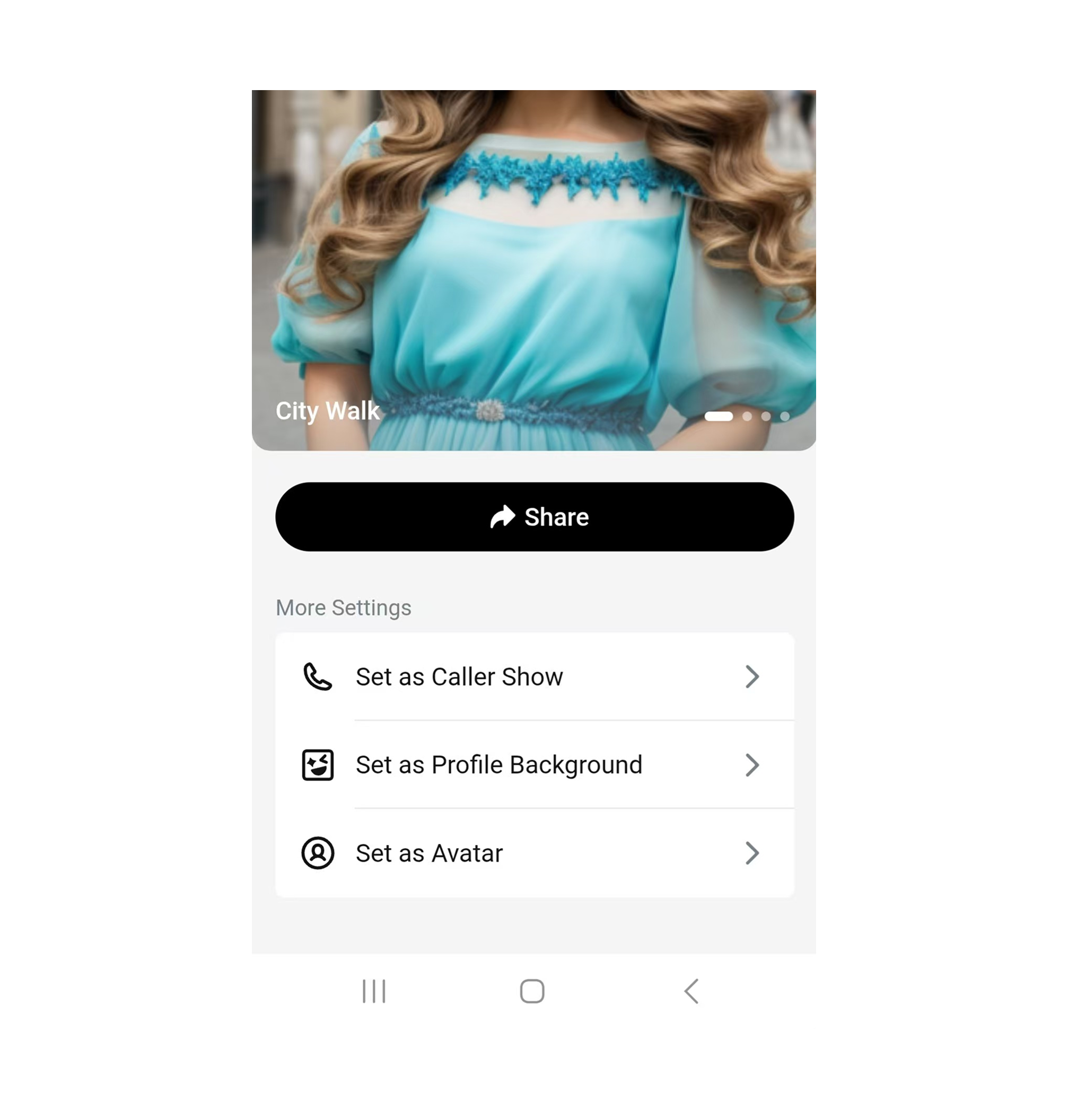
Once your avatar is ready, you can:
- Set it as your profile photo
- Use it as Caller Show so your image appears during calls
- Set it as your Profile Background
- Share it directly with friends or via imo Story. Stories remain visible for 24 hours, but you can keep them longer in your imo Story Album.
You can also upload your avatar to a talking avatar tool and turn it into a talking video. Add a script or voice message to create birthday wishes, holiday greetings, invitations, or personal updates, then send the finished video to friends on imo. Your avatar can go beyond a profile photo, appearing in calls, Stories, messages, and personal videos.
Update Your Profile Anytime
Your online presence changes as time passes. Perhaps your goal is to look professional for your job, creative for your social media posts, or simply want a fresh avatar for a new season.
No matter why you want to refresh your profile, Profile Studio makes it easy to experiment and change your look without the hassle. With AI technology, creating your ideal profile picture is no longer a problem but an opportunity to be yourself, whether professional or creative, every time you show up online.
Download imo today and try out Profile Studio to create your perfect profile picture effortlessly.