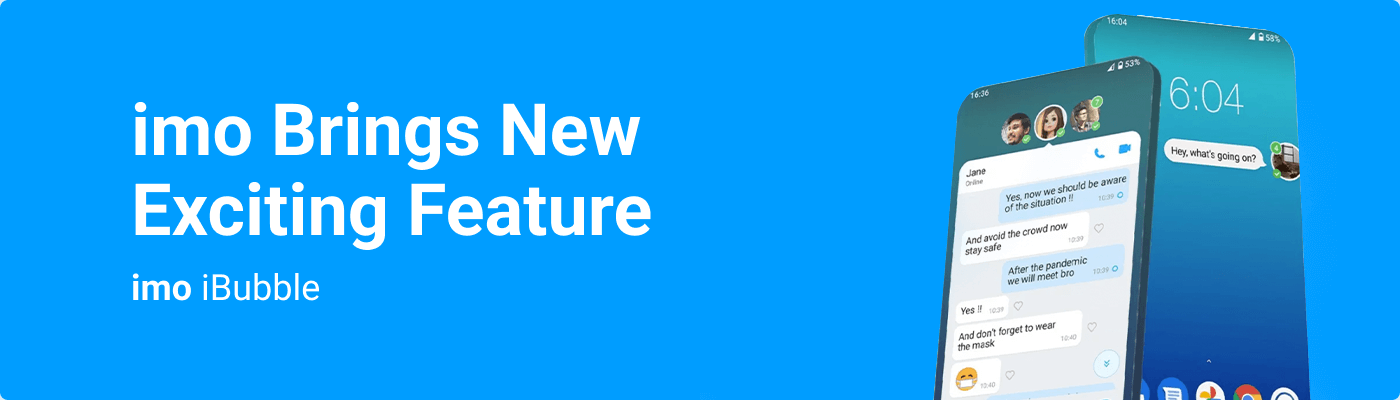
It will help the users to notice messages (that will float as bubbles on the screen) while doing other tasks at the same time
imo has recently launched a new feature in the Android version of imo called "iBubble" for people to communicate more conveniently and efficiently.
This feature will enable friends’ messages to float on screen as bubbles so that users do not miss any important messages and thus strengthen connections with their close ones, reads a press release.
It will help the users to notice messages (that will float as bubbles on the screen) while doing other tasks at the same time.
Consequently, it empowers them to maintain or strengthen connections more effectively with their close contacts.
Users will have freedom while using this feature.
For "message alert," users can apply this feature to "all contacts" or select close ones, up to 5 people.
If selected contacts commence communication with the user, the friends’ avatars and chats, if there are any, will float on the screen, making them visible to the user instantly.
This new iBubble chat feature comes with several benefits, including a functional design focused on the users’ close relationships, where an imo user could prioritize their most important connections.
A smaller space requirement on the screen for imo’s iBubble chat and notifications regarding the online status of the users’ close contacts are also enabled.
To activate this feature, the user will enter the profile page in the imo app, find the feature "iBubble" and tap it.
On the iBubble feature page, activate the "turn on the switch".
After activation, the users can choose different user groups for "messages" and "online notification".
Users can, however, remove it at any time by holding down the "floating bubble" and dragging it down to the "X" in the bottom center of the screen.