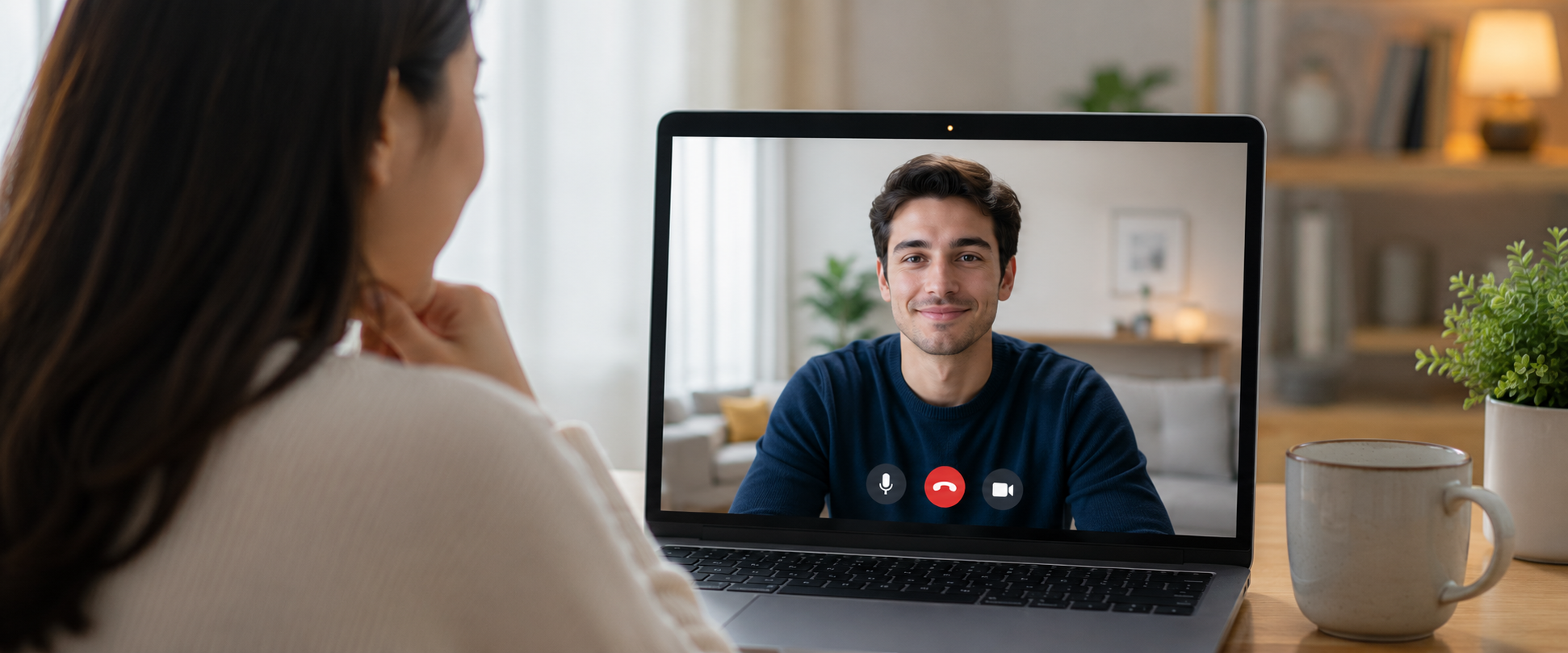
A 1v1 Video Call is usually a private conversation between two people, but keeping it private depends on more than just the call itself. The app you use, your account security, your device settings, and what you share during the call can all affect your privacy.
While no technology can promise that a 1v1 video call will leave absolutely no trace, using the right security features and privacy habits can reduce many common risks.
Table of Contents
What Makes a 1v1 Video Call Private?
A private video call usually means that only the intended participants can access the conversation. This includes protecting the video and audio data while it is being transferred, preventing unauthorized access to your account, and giving users control over their personal information.
1. End-to-End Encryption
One of the most common security features in private communication apps is end-to-end encryption. In simple terms, end-to-end encryption means that the content of a conversation is encrypted before it leaves your device and can only be decrypted by the intended recipient’s device. This helps prevent unauthorized parties from easily accessing the content while it is being transmitted. For a 1v1 Video Call, this protection applies to the communication between the two participants.
https://imo.im/blog/guides/can-end-to-end-encryption-be-hacked
2. Screenshots and Recording Risks
One common concern during private video chats is whether someone can save what they see.
Some video calling apps provide screenshot or screen recording protection features. These tools can help reduce the chance that someone captures your private conversation using normal phone functions. For example, imo provides privacy protection features designed to help prevent screenshots and screen recordings in supported situations.
However, users should understand the limits of this type of protection. No app can completely prevent another person from using another device, such as a camera, to capture what appears on their screen. For more details about video call recording and privacy risks, check out our blog: Can Someone Record Your Video Call Without You Knowing?
If a conversation includes sensitive information, think carefully before sharing it, even during a private one-on-one Video Call.
How to Set Up a More Private 1v1 Video Call
Before starting a private video call, there are a few things you can check to reduce privacy risks.
1. Adjust Your Privacy Settings Before a Call
Before starting a private video call, take a moment to review your privacy settings. Many privacy features only work when they are enabled, and checking them beforehand can help you avoid unwanted interruptions or information exposure during a call.
On imo, you can manage privacy settings for who can contact you and who can call you. You can also be able to use privacy protections such as screenshot and screen recording protection or private conversation features for additional privacy controls.
If you only want to receive 1v1 Video Calls from people you know, reviewing these settings before a call can give you more control over who can reach you and how your conversations are protected.
2. Check Who You Are Calling and What You Share
A private 1v1 Video Call usually means you are communicating with one specific person, but the other person is still part of your privacy protection.
Before sharing anything during a call, think about whether you know the person, whether you are comfortable with them seeing or saving the information, and whether the content could affect your privacy later.
Avoid sharing sensitive information during a private video call, including personal documents, private messages, financial information, account passwords, verification codes, or private or intimate parts of your body.
3. Review Your Phone and App Permissions
Your device settings can affect your video call privacy.
Camera and microphone access: Make sure only trusted apps can use your camera and microphone. Remove permissions from apps you no longer use.
Review Notification Settings: Message previews or pop-up notifications may appear during a call and reveal private information. Consider hiding notifications when having a personal conversation.
Secure Your Device: Use a screen lock, fingerprint, or face recognition to prevent others from accessing your phone if it is lost or left unattended.
4. Be Careful When Sharing Your Screen
Screen sharing can expose much more than you intend. During a private video call, a notification, a photo thumbnail, or even a recently opened chat can appear on screen without warning. Before sharing your screen, close private conversations, hide personal files or photos, and turn off unnecessary notifications.
A common mistake is opening a messaging app while screen sharing and unintentionally showing private conversations to the other person.
Can a Private Video Call Be Completely Invisible?
The answer depends on what they mean by trace. A video call may still create normal records, such as:
- Call history inside the app
- Account activity information
- Device-level records
These records are usually related to normal app operation and account management. If you want better privacy, you can manage your settings, control notifications, and avoid storing unnecessary personal information.
Is imo Safe for Private 1v1 Video Calls?
imo helps people stay connected through messages, audio calls, and video calls while giving users control over their privacy settings.
When using imo for private calls, users can use built-in privacy features to better protect their conversations. imo uses end-to-end encryption to help protect communication between users and provides protection against screenshots and screen recordings in supported situations. Users can also manage their privacy settings, including controlling who can contact them and who can make calls to their account.
A secure calling experience comes from both the app’s protection features and the choices users make before, during, and after a call.
FAQs About Video Calls
Can someone record my 1v1 Video Call?
Yes, a video call can be recorded in different ways. imo provides protection against screenshots and screen recordings, but another person could still use other recording methods, such as a separate camera to capture the screen.
Are private video calls completely safe?
No online communication method can remove every possible risk. Using a secure app, protecting your account, and being careful about what you share can reduce common privacy problems.
Does deleting a call remove all records?
Deleting chat or call history from an app may remove what you see on your device, but it does not always remove every possible record related to account activity or device systems.